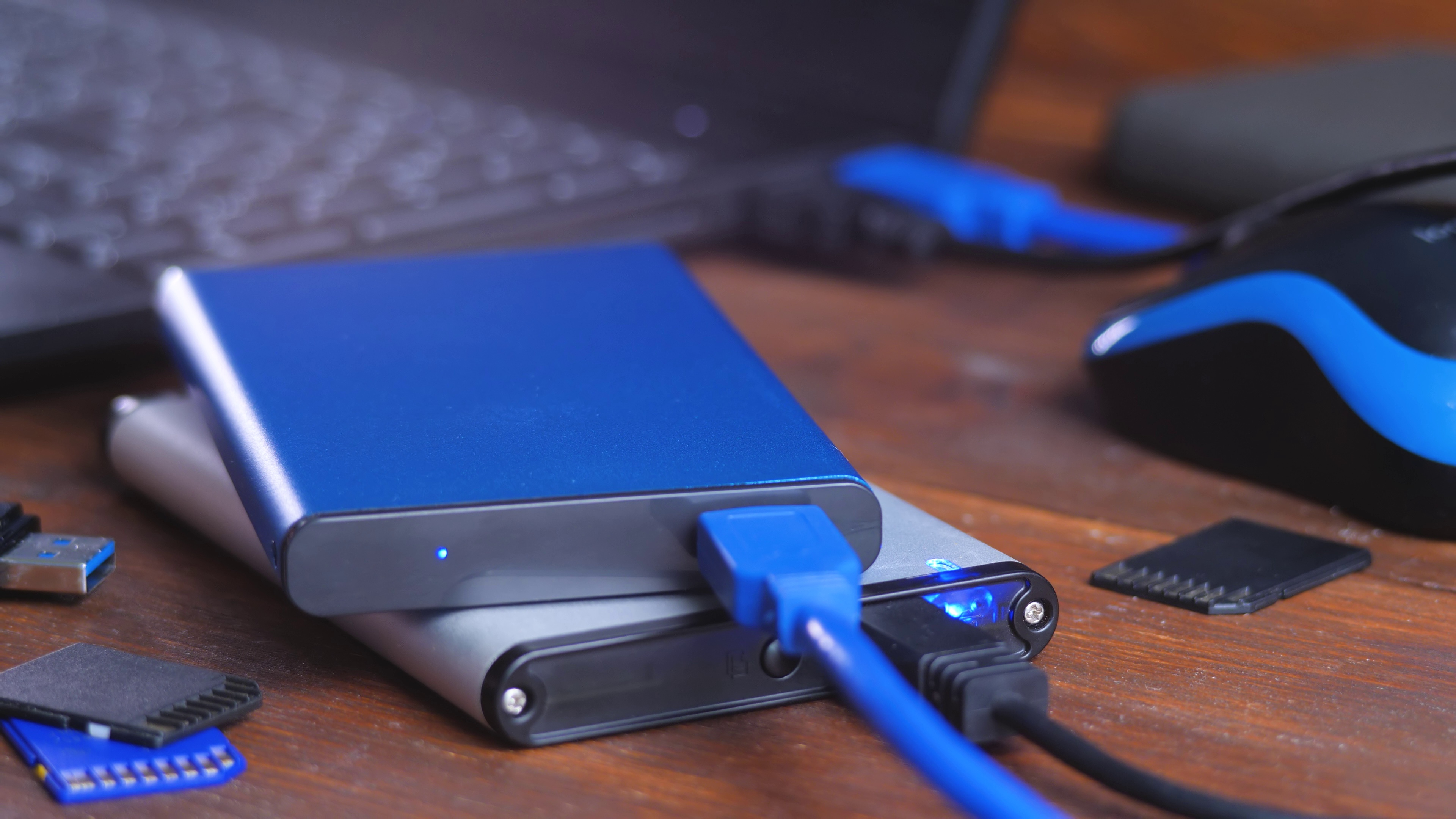
For a long time, most creators operated under an understanding, an “agreement”, if you will, with the future: eventually, storage would sort itself out. Drives would get cheaper, cloud space would stretch endlessly, and whatever you made could just… stay around. So we built habits around that idea. We shot more, saved everything, duplicated files instead of organizing them because “I’ll deal with it later” can sometimes feel like a perfectly valid production strategy. All our hard drives sat there like a safety net- a slow, dependable, and, most importantly, cheap enough safety net that you didn’t have to think too hard about.
Well, that agreement is starting to break. The pressure isn’t coming from creators, but rather from scale. Massive systems, AI training, enterprise storage, data centers are expanding faster than most people realize and they consume the same resources you rely on, just at a size that shifts the ground underneath you. At the same time, the amount of content you produce keeps climbing. Oftentimes, what used to be a single project is now sometimes required to be an entire ecosystem: raw footage, multiple edits, platform variations, archived ideas you swear you’ll revisit one day (you won’t, but they feel important).
By the time you notice the problem, it might be later than you think; another drive, a slightly higher monthly bill, even your iCloud getting surprisingly smaller, faster. We’ve all been in a situation where our files are scattered across places we can’t quite map anymore, and every one of us some has some version of a folder labeled “FINAL_v3_REAL_FINAL_USE_THIS_ONE” sitting next to five other versions that all look exactly the same.
Once you’re mostly through a project, you notice that nothing feels urgent, so nothing gets “fixed”… until one day you realize your system isn’t really a system anymore; it’s accumulation of files you may never actively need again; expensive, disorganized, and held together by optimism.
To counter this, consider planning storage the same way you plan the shoot. If the work matters, where it lives matters; that means thinking ahead instead of reacting, deciding what stays while the project still feels alive, and building a structure that can actually hold the volume of data involved in what you’re making.
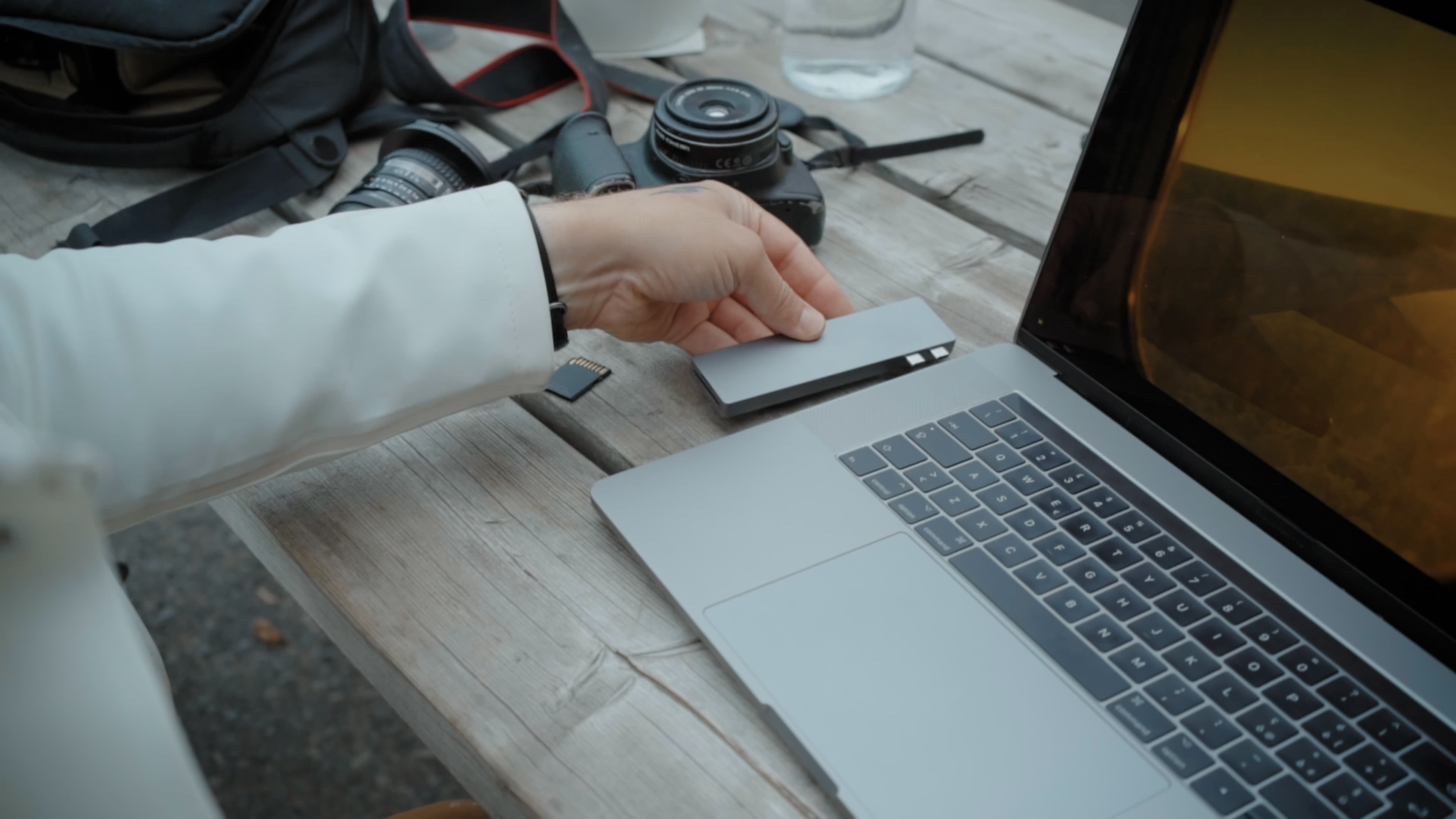
Tips for Creators Navigating the Storage Crunch
1. One copy doesn’t protect anything - The big one: If a project matters, it lives in more than one place. Drives fail. Files disappear. Laptops take unexpected vacations off tables.
2. Schedule File Reviews - Open up that calendar app right now and insert an hour long block at least once every six or twelve months to review all the files you’re storing. Distance can at great perspective to the value of all your files. This will help you keep make the right decisions to delete files you really don’t need to be keeping.
3. Treat storage like part of the production, not cleanup after it - If you wait until you’re out of space, you’ve already lost control, and probably a few unsaved files along the way.
4. Assume costs won’t drop and act early - Buy or allocate storage before you need it. “I’ll wait for a sale” has a funny way of later warping into “Why did this thumb drive become more expensive than a Switch 2?”
5. Decide what deserves to stay while the work is fresh - Don’t let old projects pile up untouched. Keep what has clear value; finals, selects, anything reusable, and then clear out the rest (yes, even that clip you might use someday).
6. Stop duplicating blindly - Every duplicate file is a quiet cost. If your storage strategy is “just in case,” your future self is going to inherit a mess.
7. Use cloud storage for access, not as your only home - Cloud platforms can be great, but they can also be cost traps. Why pay to store older files you’ve already finished and have two physical backups of? Clear them out, keep costs low.
8. Build an archive you can use, not one you avoid - If finding a file feels like digital archaeology, you’re not doing it right. Label things like you plan to find them again without decoding your past self’s logic.
9. Compress and optimize where it makes sense - Not everything needs to live in full resolution forever. Your rough cuts don’t need to weigh as much as a feature film.
10. Think long-term, even for short projects - Ask yourself what you’ll wish you had access to in five years. Keep that. Let the rest go (gracefully) without a five-minute internal debate.
There is, of course, unfortunately, a trade off here. Over time, you might end up starting to delete the very things that shaped your work because there’s no room left to hold them. Not just on a drive, but in the systems you built around your own creativity. It can be tempting to save everything, so tempting, but as data storage costs rise, it’s important to make sure the right things last. And ideally, that you can still find them without opening six folders labeled “FINAL.”