Getting paid to travel is one of my favorite perks of being a cinematographer. However, figuring out how to get all your gear there, without any damage, can be a stressful task. I was lucky because during my production company internship I had a chance to travel a lot with others who had been traveling with gear since the beginning of their careers. Since then, I continue to perfect my method. Each trip is a little different, needing different equipment, but similar enough that it is easy to adapt. Here’s what I do:
The first thing you need to do is look at all the gear you want to fly with. I make a list of all the equipment in Excel. I then create two rows labeled “Carry On” and “Check.” You have to decide which items you’re ok with being in a checked bag, and which items need to be with you at all times. Filling this out is the first step. Once the list is created, it is time to look at the cases you have, and if there are any you need to buy.
***ALL BATTERIES MUST BE CARRIED ON! It is against FAA regulations to check any type of lithium batteries. For those who fly with Vmount or AB batteries, check with your specific airline for regulations. It is common that you can have an unlimited amount of batteries as long as they are under 100wh. ***
There are a lot of great gear cases out there, but since the beginning, I’ve used Pelican Cases. They are indestructible and I’ve never had anything ruined inside of one. I had a latch break once from a case that was about 8 years old and they shipped me 2 new latches for free! There are other brands out there but I have never considered buying another case due to their amazing product and customer service.
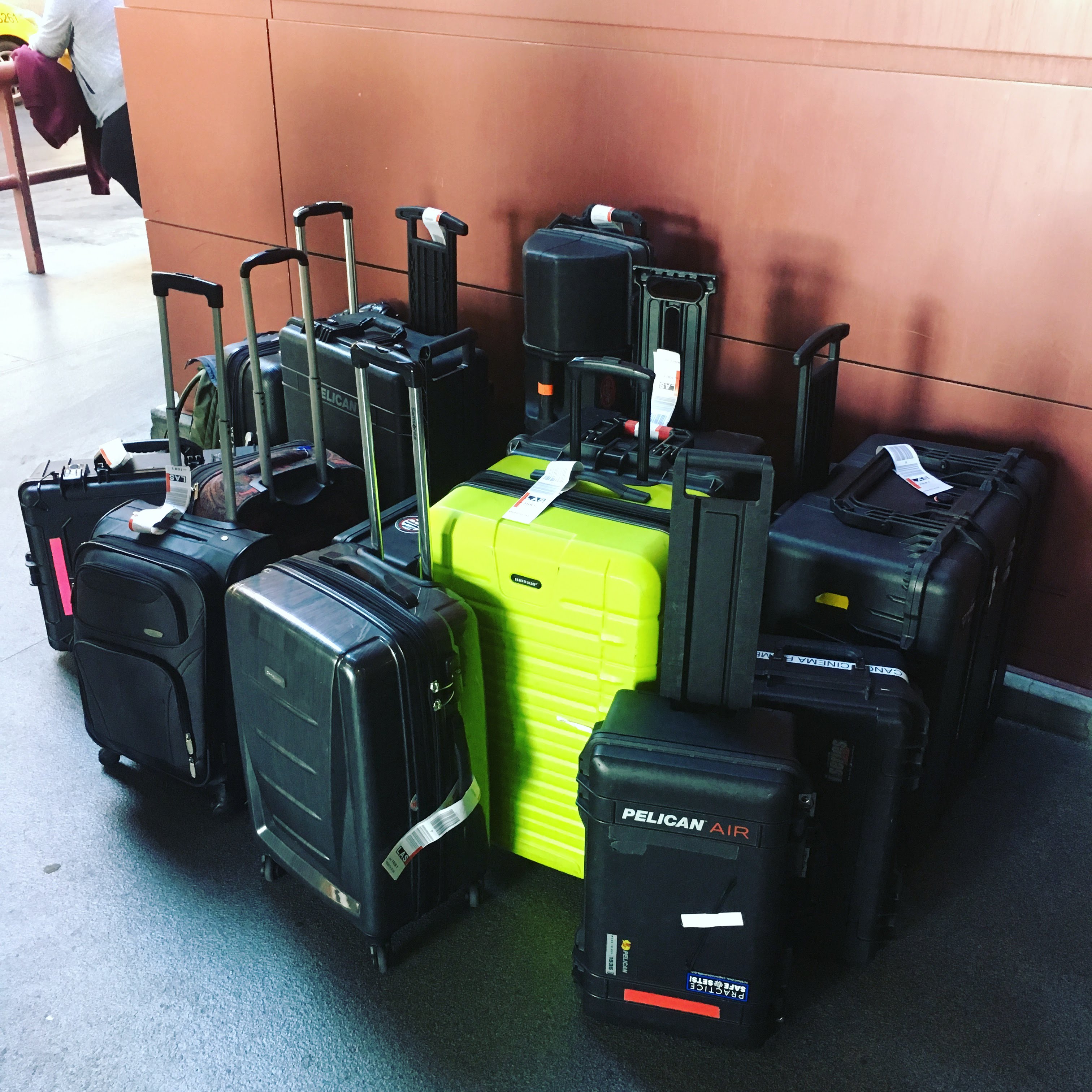
With that said there are endless sizes that you can choose from. Although overwhelming, there are a few common sizes that we will focus on. When it comes to the carry-on size case, there is only one you want and it is their top seller: The Pelican 1510 (or the 1535Air which is a newer version, lighter, and more expensive). This size is the largest allowed on most US flights. Instead of the standard pick n’ pluck insert foam, I get the Trek Pak or foam dividers. I have 2 Pelican 1535Air cases. The one houses 8 Vmount batteries, 2 chargers, and a cube tap. With the foam dividers, I can lose a charger or battery and make room for something else. The second Pelican is reserved for my camera and any accessory I can fit. Depending on the lenses and their cases, I may also put them in here. Which leads us to lenses. . .
Lenses could be the most expensive thing you are traveling with. A lot of times we will source lenses local to the location and arrange a pickup/drop off. There’s even the option to rent online and get them delivered to your hotel or a local FedEx.
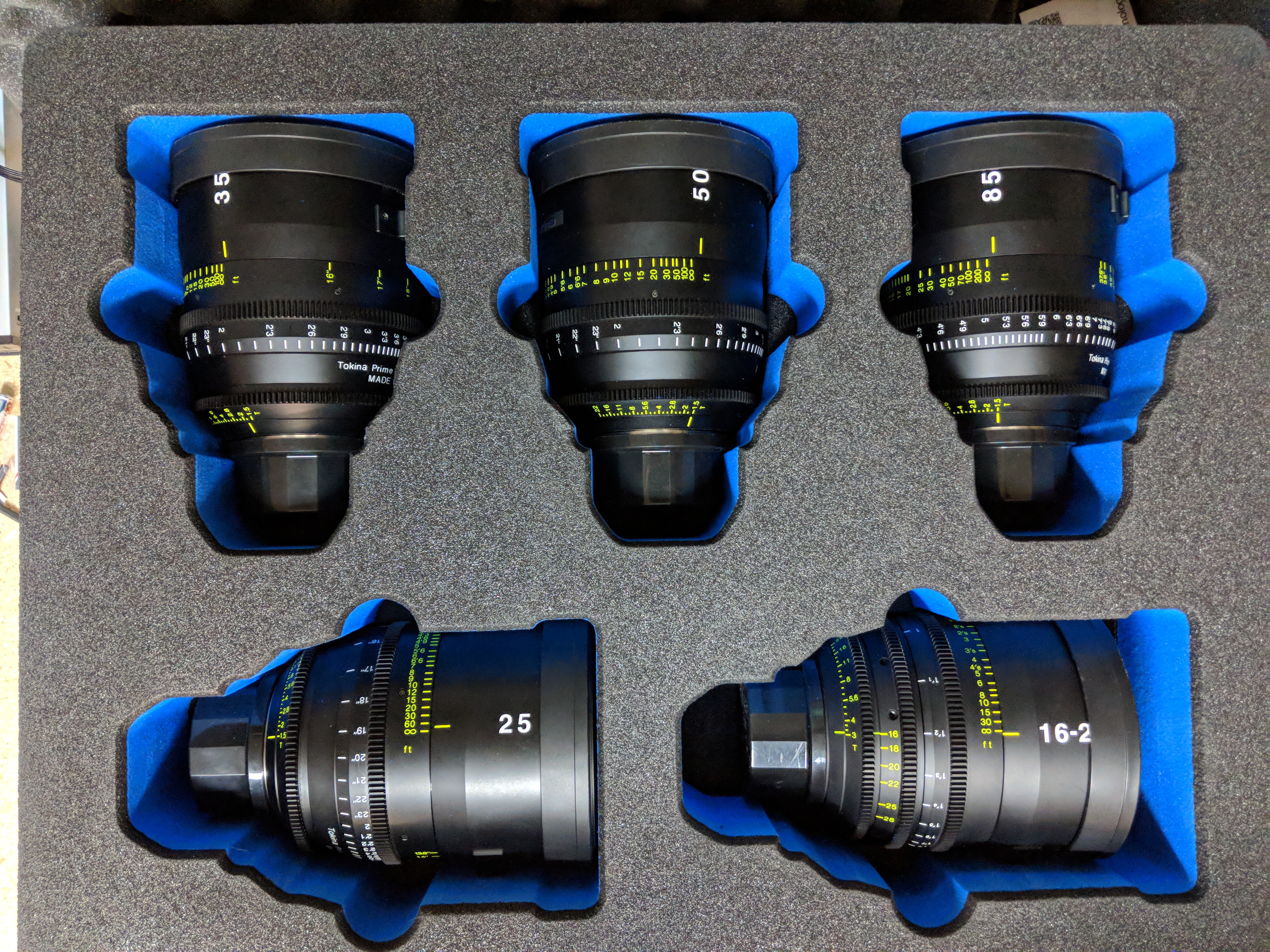
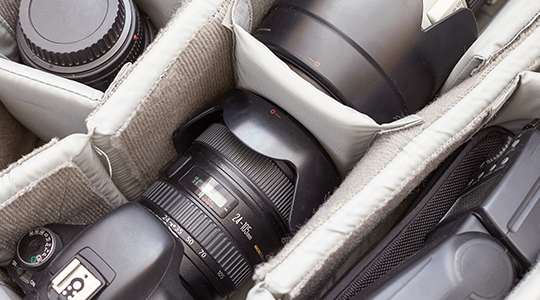
The key for all items is to pack them tight. Even with my camera packed tightly in a Pelican, I still stuff socks, hand towels, or bubble wrap all over it to make it as snug as possible. You don’t want anything loose in the case. Next time you get that gear order in the mail, save the bubble wrap! I have a box in my garage where I collect bubble wrap and it always gets used. If you own a camera and you want it to be as secure as possible – secure enough to check and not carry on – look into Interstellar Cases and Jason Cases. Jason Cases makes high quality, laser cut inserts. They have solutions available for a wide range of cameras and accessories that all fit into a Pelican.
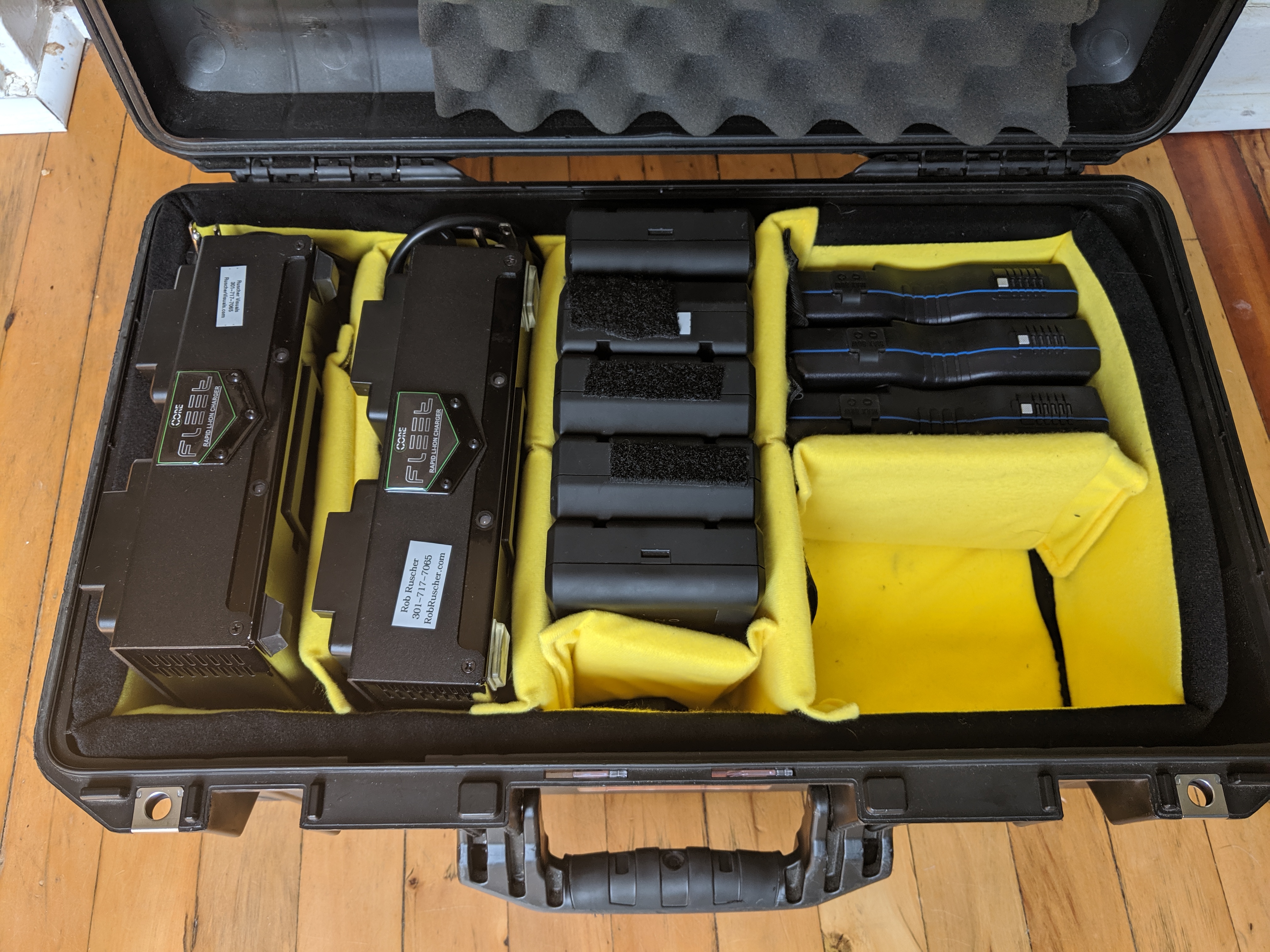
What’s left for me are a tripod, lights (although I highly recommend renting those locally), audio gear, monitors, mattebox, filters, follow focus, and wireless video. There are bigger Pelicans to accommodate all of the above. I’ve had success with the Pelican 1560. This will take time to get the ‘perfect’ pack and layout. I make this case my general AKS kit that I use on almost every job. That way it is always packed for flights or for a local shoot. It cost extra, but the TrekPak insert has made all the difference. It’s very easy to change the configuration as well.
Don’t forget your clothes! With all the stress of getting your gear in these cases you can easily forget that you need to get all your clothes, shoes, and whatever else you need when traveling. What I like to do is have a huge suitcase that I can pad with my clothes and wrap the remaining gear in clothes as well. I have a hard shell suitcase for this which gives a little extra protection. I will sometimes even put a small pelican inside this case to keep filters or other fragile items safe.
Hopefully, when you fly, you’ll be with at least one other person. You now have more free checked baggage. This is where another spreadsheet comes into play. I make a table for each person and have a row for each case they need to carry on and check. In each row I list out every piece of gear I am taking. 99% of the time I fly Southwest. Each person gets 2 carry ons and 2 checked bags for free. Any case over 50lbs is $75 at the time I am writing this. Knowing this, we now know how many bags I can take for free which determines what I can take. This spreadsheet also doubles as a checklist as we have already listed out each piece of gear in each case. Be sure to check with rental rates. I often can rent a tripod for cheaper than flying with mine (especially for a one day shoot).
No matter how you pack your gear, my biggest piece of advice is to start packing early. Hopefully, you have a few days leading up to the flight to begin packing and making sure everything fits. Each time is a little different and you don’t want to have to figure it all out the night before.
Hope you were able to get something out of this and it helps you out on your next trip. Safe travels!
---
Note From Tongal: “How to Travel with Camera Gear" is part of a series of Tongal Community-written blog posts that were originally sourced in the Tongal Blog Open Call Project. Read more Tongal Community-written posts here and then Pitch us a topic you'd like to write about for the Tongal Blog!